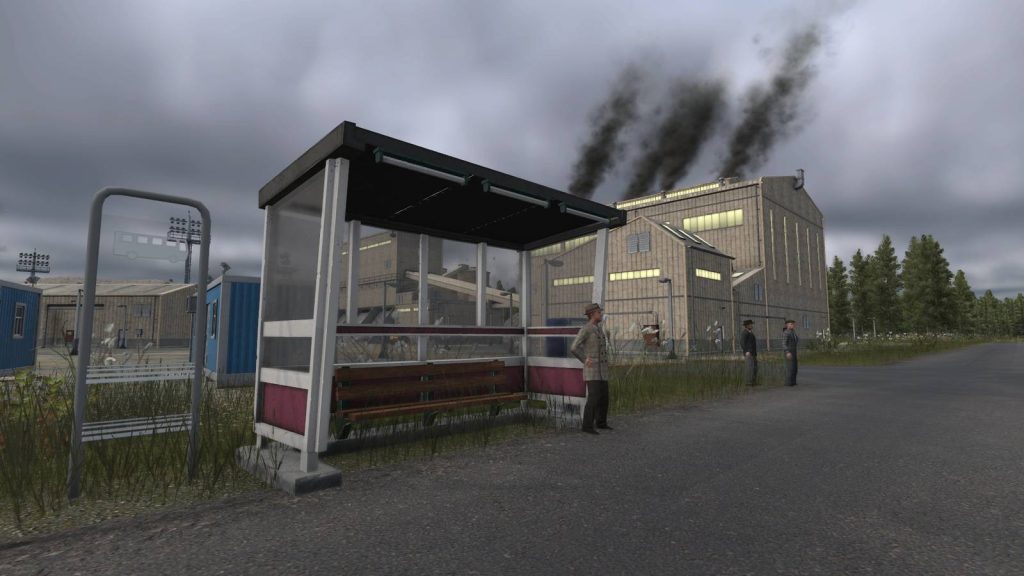
Industries are vital in Transport Fever 3, and you can send workers to specific businesses and industries to improve production rate and gain more money. However, industries like an oil rig and a fishing ground can cause issues with passengers being transferred to their work sites, and you’re missing a tiny detail that we’ll explain below.
How to Send Passengers to an Industry, an Airport, a Train Station, or a Port
-
 Image: GameRant via Urban Games
-
 Image: GameRant via Urban Games
-
 Image: GameRant via Urban Games
If the industry is on the water, you need a port. Then, you should connect the port to a road, but the port has no exact connection point like other buildings. That is where the Pedestrian Entrance comes in.
Every port that you build has a small pedestrian entrance on its back. The road that you build will not directly connect to the pedestrian entrance at a single point, but if you move the road close enough to the pedestrian entrance, you will spot some narrow blue lines between the road’s end and the pedestrian area. These lines confirm that if you build a station next to the end of the road, passengers will be able to walk into the port.
These blue lines will even be shown when you build the bus station at the end of the road. So, whenever you place a bus stop, and you don’t see this narrow blue path, it means passengers won’t be able to walk into the port, and that will result in no passenger generation for that line, because it simply leads nowhere.
Now that you have your bus station connected to the port, create another bus station in the residential area of the city. This is the part where the buildings are highlighted in green. Now, if you dedicate a bus to this line, the game will gradually generate passengers for the line. Keep in mind that it may take several days to generate passengers.
If the pedestrian entrance is not long enough, or you cannot reach it, there is an option to build more pedestrian entrances. Just click on your port, open its Configuration menu, and here you can spot an option for building pedestrian entrances.
You cannot modify the elevation of the pedestrian entrance. You have no control over its specification, but you can continue to extend in the given directions.
This is not the end, though. You will still need a line running between the port and the target industry, be it a fishing ground or an oil rig. So, create the line, and make sure to dedicate a ship that can carry passengers. The game will task the ship to load and unload passengers by default, along with other cargo if available.
Here, you can make some adjustments. If you are running a big ship, you don’t want it to travel the entire route with only one passenger or even empty. To solve this, go to your lines menu and click on the ship line. Now, choose each stop point and click on the passenger icon. In the Departure Configuration window, you have three options.
By default, the “Load If Available” option is active, which means the ship will go to the stop point and wait for a set amount of time. If there are no passengers, it may leave the port empty. But if you activate the “Full Load Any” option, the ship will have to load at least one passenger. So, it won’t leave empty.

The final option is “Full Load All”. This means the ship won’t leave until it reaches max capacity. If your line is crowded, this option will serve you better. This is also the best option for airlines. But if the line isn’t busy, you can still live with the “Full Load Any” option.
There is another option here that will force the vehicle to fully unload the capacity at the next destination. If you are running a line between two points, it’s worth enabling it, as it will prevent the vehicle from partially unloading or taking the same cargo back to where it was picked up from. However, if you have a multipoint line, you may not want to activate this, especially for buses that have many stop stations to visit on their route.
As mentioned earlier, if the industry or destination is on the ground, like a quarry or an airport, it’s easier to connect it to a line that runs through the city. Keep in mind that those narrow blue lines will still exist, and you will still need to build your road close enough to the target location to make those pedestrian connections.
Is It Mandatory to Send Workers to Industries?

Industrial plants, like Livestock, Fishing Ground, Quarry, Oil Rig, Sawmill, or Cement, do not need workers to run. They already produce some goods on their own, but when your consumption goes higher, the default production value might not be enough, and that’s when boosters become valuable.
There are two general ways to boost an industry: by adding workers to it, or delivering tools. You can do both at the same time to get the maximum boost to the production rate.
Sometimes it’s also a subsidy to deliver workers to an industrial plant. This is one of the easiest subsidy types that you should never turn down, especially if you already have a port and a ship depot.
Getting passengers to an airport, a train station, or a port will require you to consider the same narrow blue lines. And if there is an elevation difference between the road and the pedestrian entrance, you can use the terrain editor, though it will cost some cash.

- Released
-
September 29, 2026
- ESRB
-
Everyone / Mild Language, In-Game Purchases, Users Interact
- Developer(s)
-
Urban Games